Canva PDF edits
Manage PDF documents in Canva

Transform PDF documents to make them more visual and compelling with Canva’s free online PDF editor, designed for seamless collaboration. Or simply make that last-minute tweak!
Canva Front Page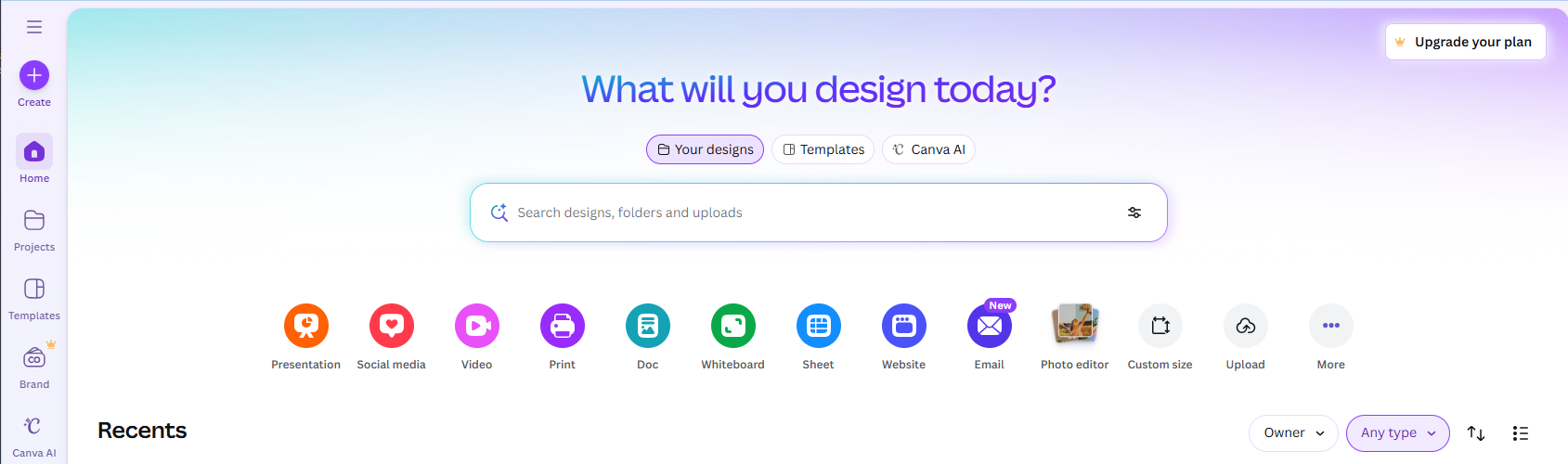 Canva Front Page
- Upload your content
- Your uploaded content should now show in Recent files
- Click the file you would like to open to edit
You can then upload more content if you would like to combine documents by dragging the additional content to the below section
When you have finished editing the content & design:
- Click Share (top right)
- Click Download
- Change file type to PDF Standard
- Click Download
Your finished file will be downloaded as a combines pdf file
Related Articles
Canva Help
Canva support page