Windows 11 Basics
Meet Windows 11: The Basics
Welcome to Windows 11! Whether you're new to Windows or upgrading from a previous version, this article will help you understand the basics of Windows 11.
We'll cover the essential components of the desktop, File Explorer, and Microsoft Edge, providing you with a solid foundation to navigate and use Windows 11 effectively.
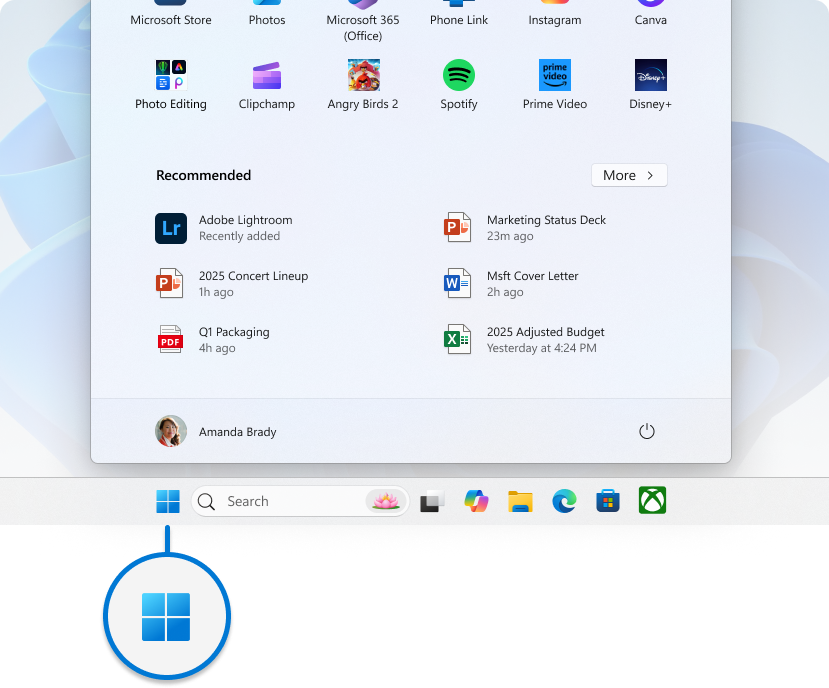
Start Menu
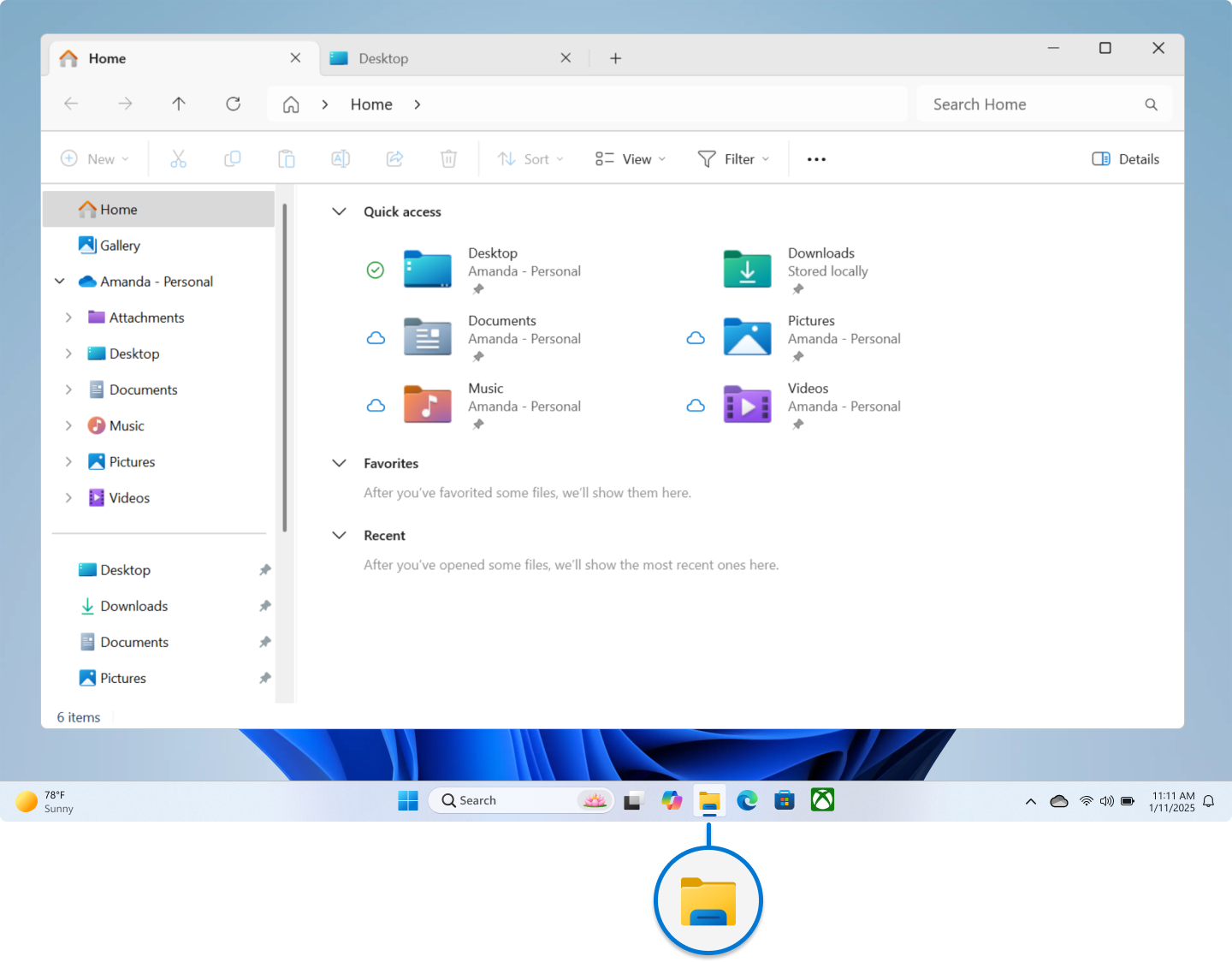
File Explorer
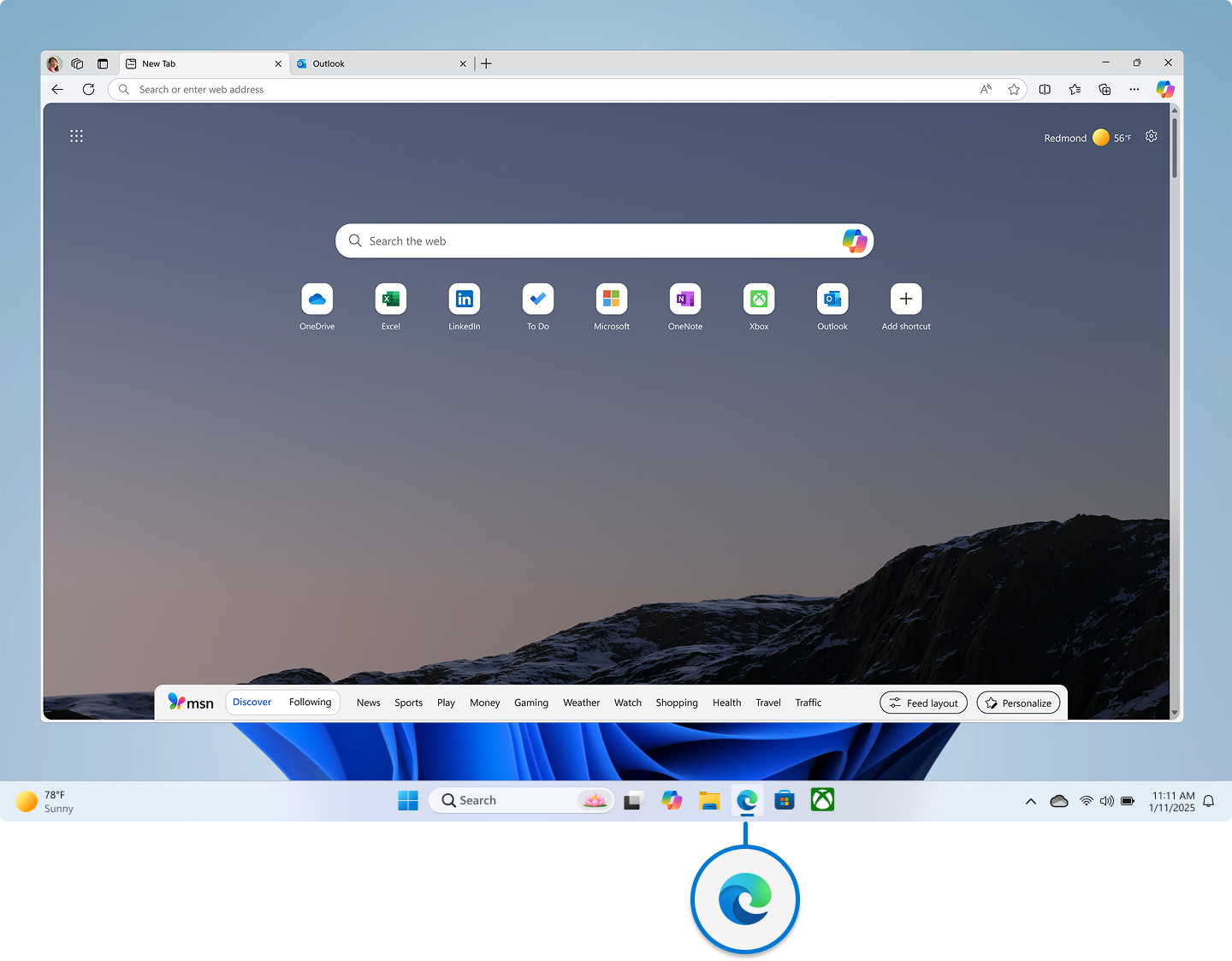
Edge
Related Articles
Canva Help
Canva support pageMicrosoft 365 help & learning
Microsoft 365 help & learningWindows 11 Snipping tool
Using the Snipping Tool in Windows 11 Microsoft's Snipping Tool is a built-in Windows utility for capturing screenshots (snips) and screen recordings, offering various modes (rectangle, freeform, window, full-screen, video) and annotation tools (pen, ...Adding a printer
Add a Printer via Settings Click Start → Settings → Devices → Printers & scanners. Select Add a printer or scanner. Windows will search for available printers. If your printer appears, click it → Add device. If not, select The printer that I want ...Microsoft 365 basics video training
365 Video Training